Brand resources
Product imagery
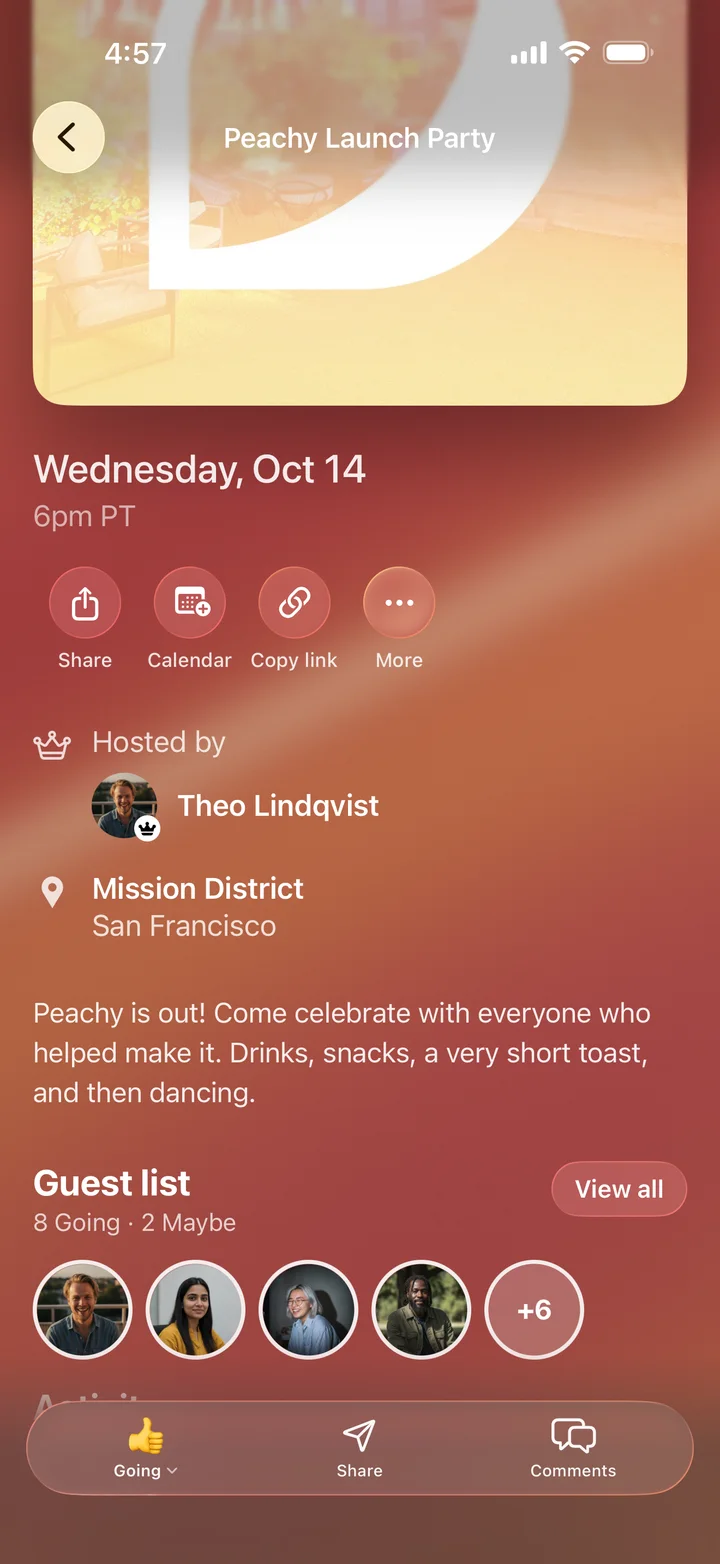
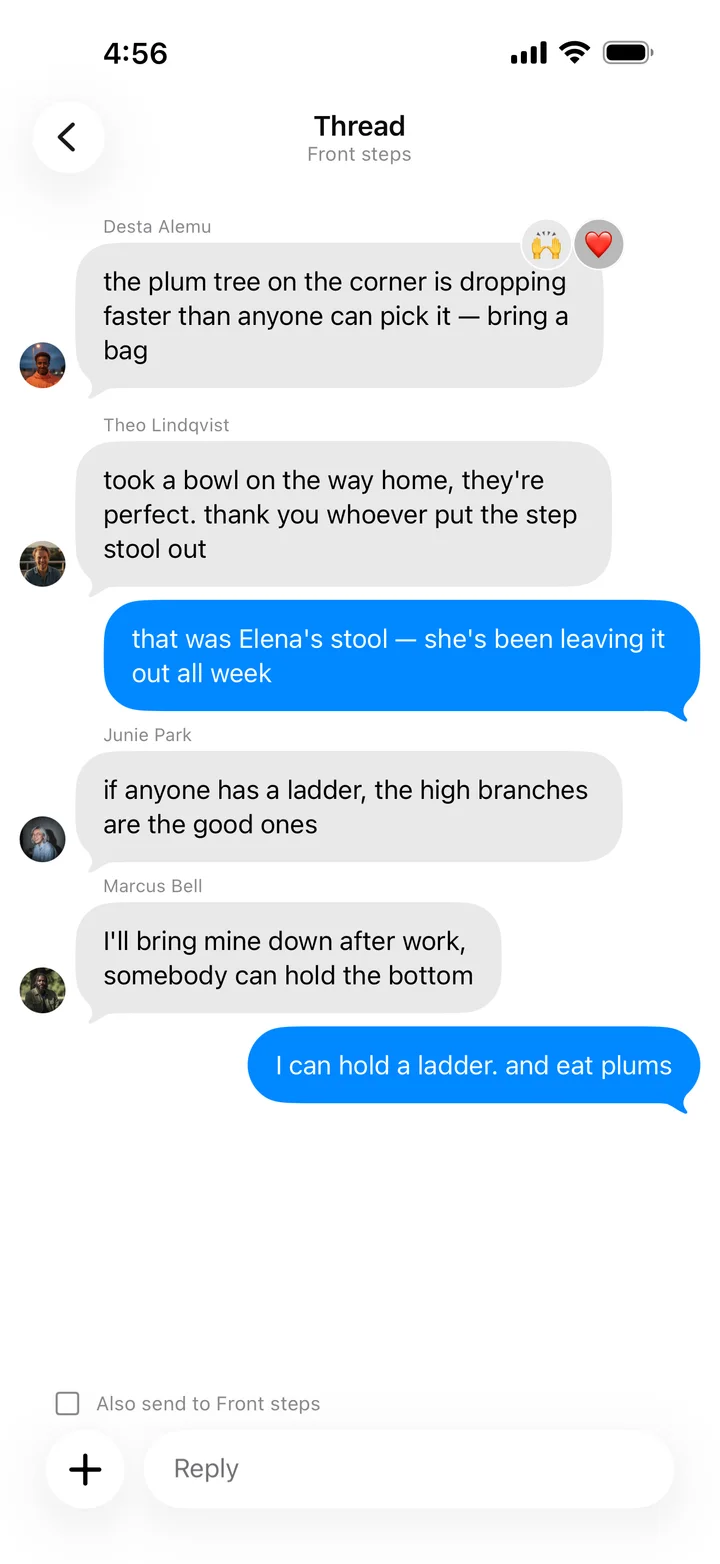
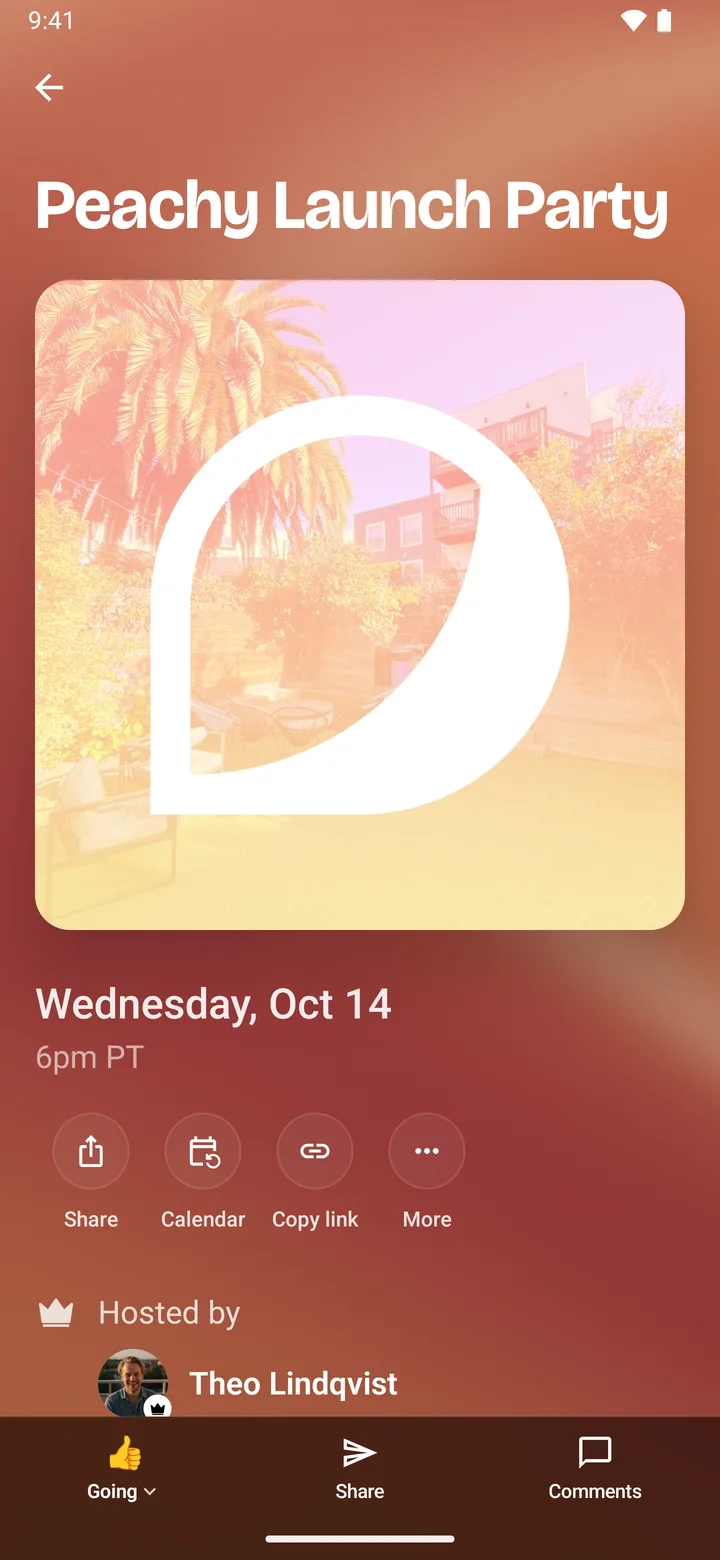
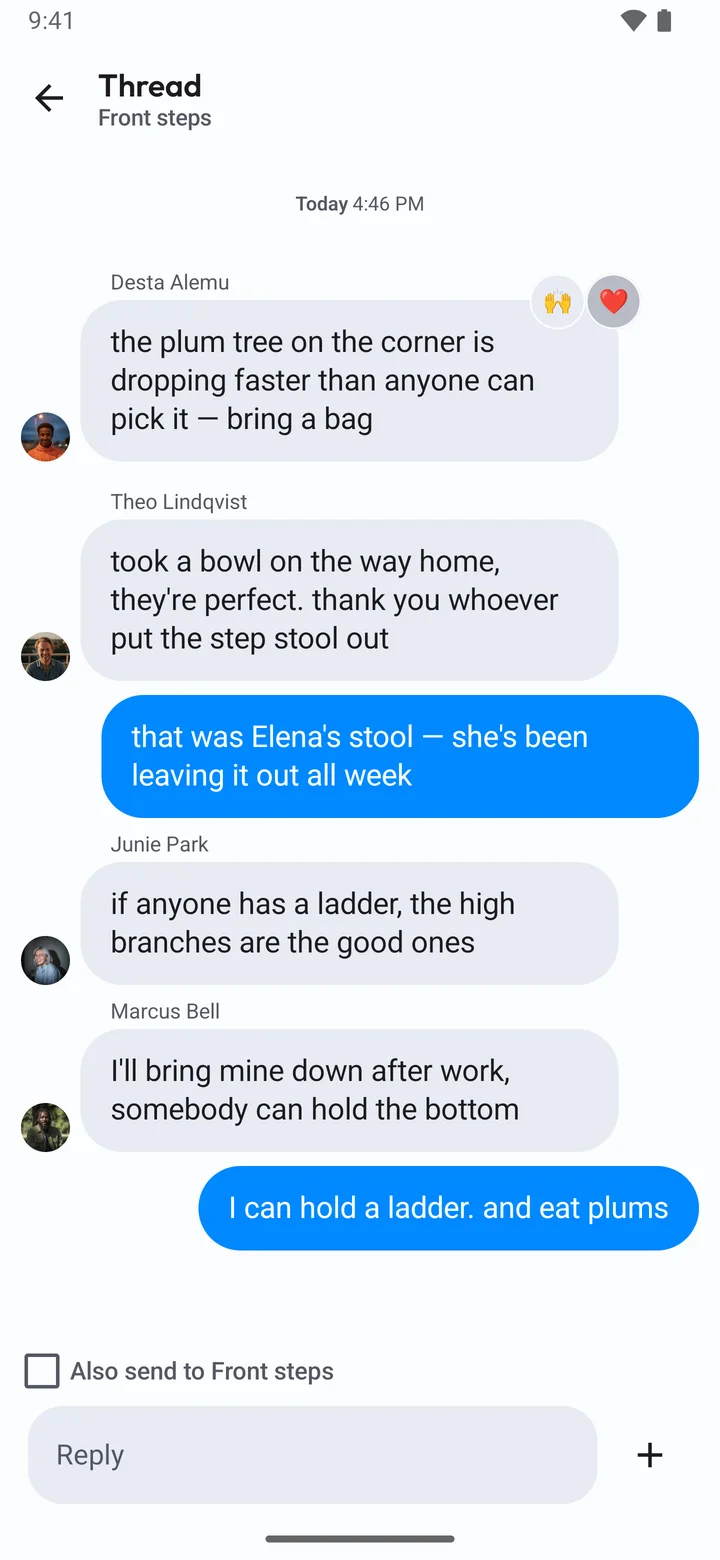
When you show Peachy, show the real thing. These screenshots are taken from the apps as they ship, and they’re yours to use when you write about us.
Updated November 2026
Screenshots
The 9 screenshots below, full size: iPhone, Mac, and Android phone and tablet.
iPhone and Android


Mac and tablet
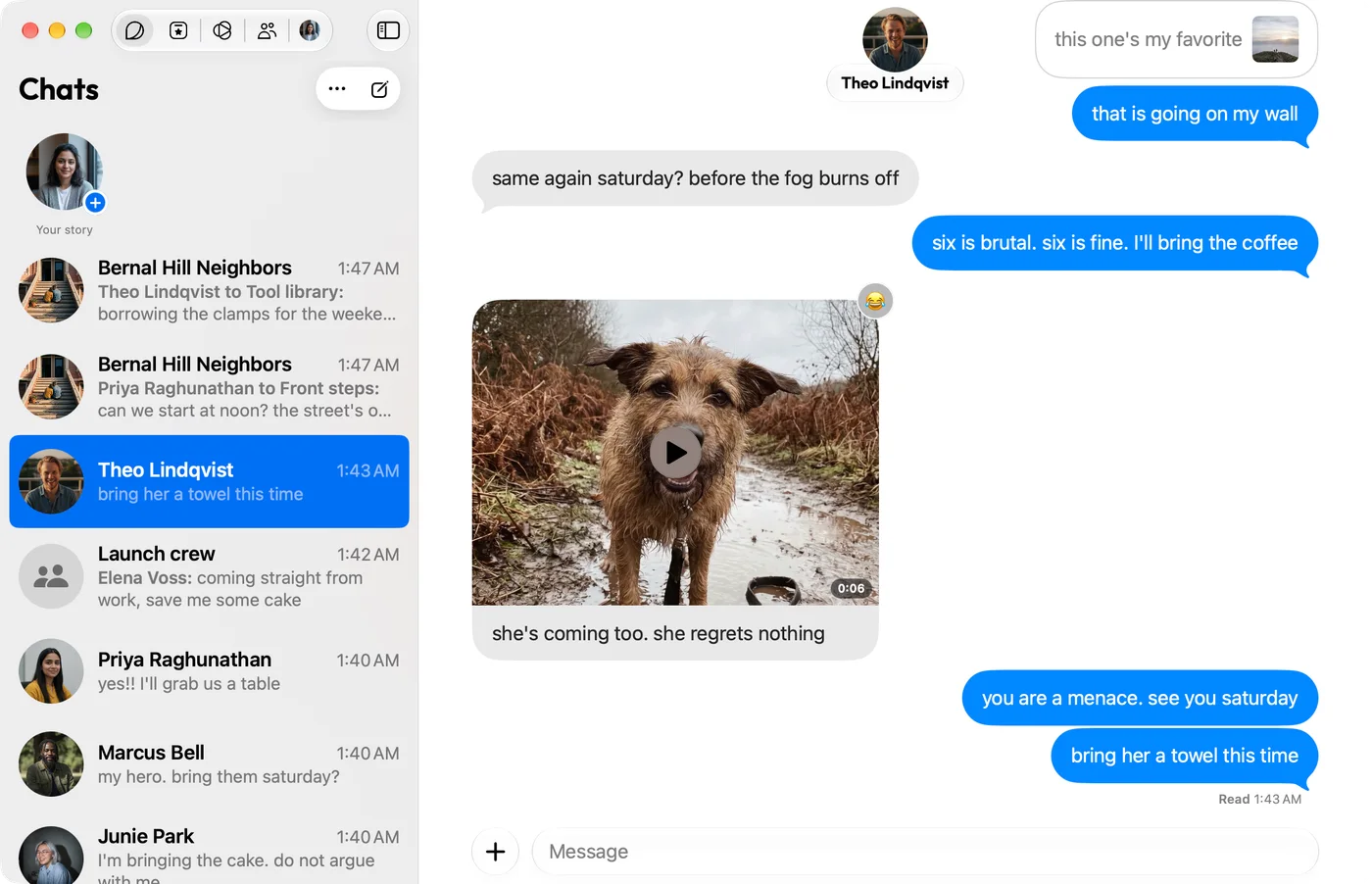
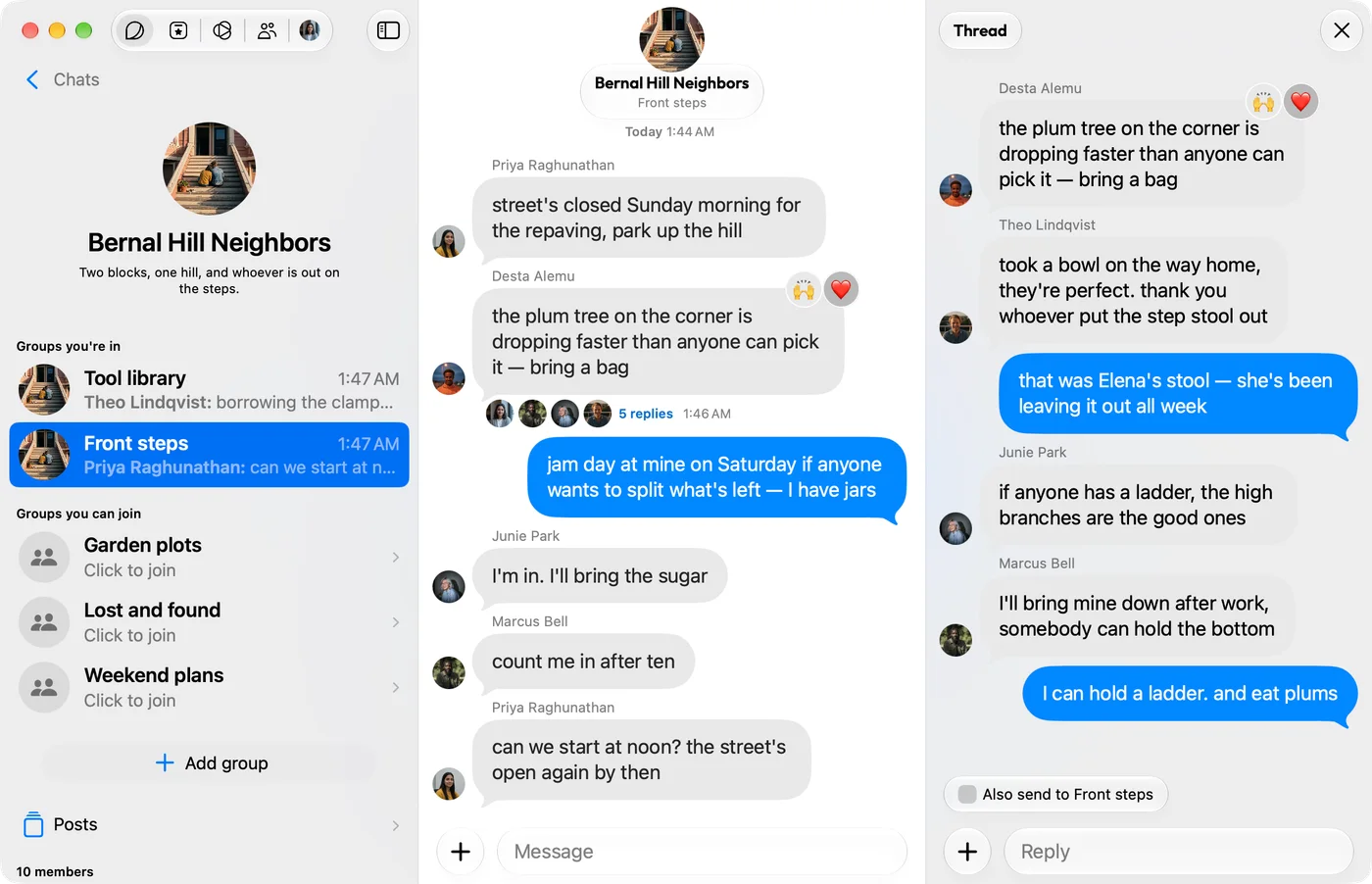
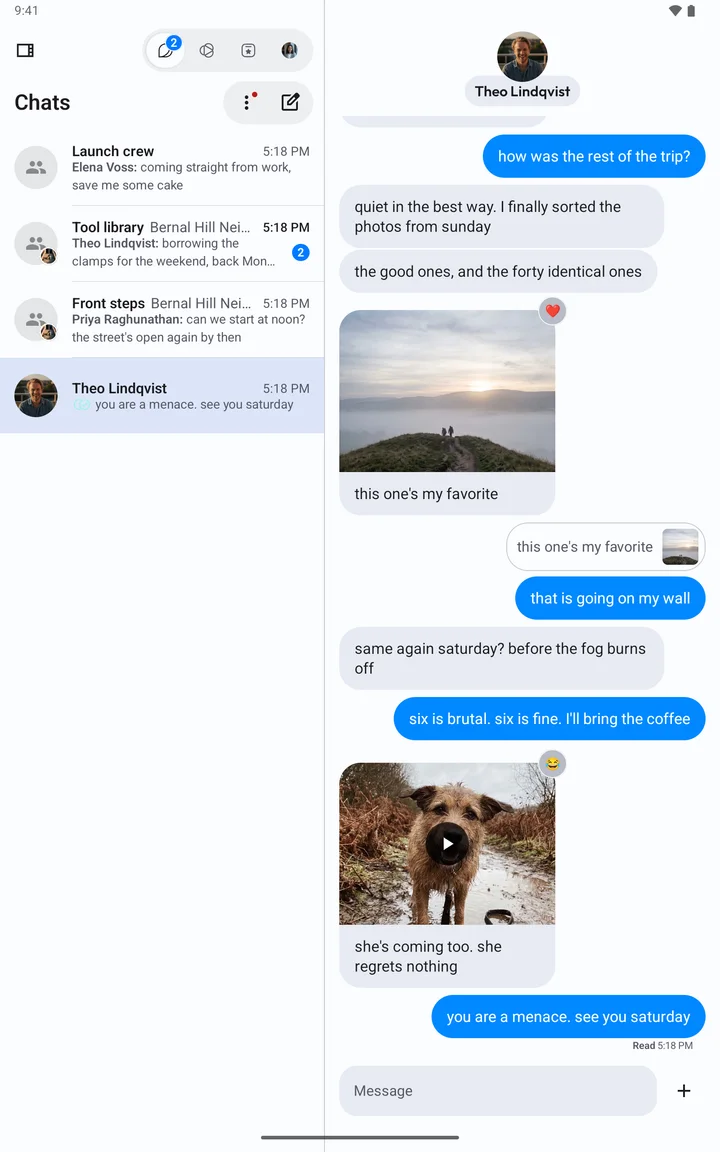
Showing the app
- Show it as it is. Don’t edit the interface, add features we don’t have, or draw on the screen. If something on a screen shouldn’t be shown, take another screenshot rather than blurring it out.
- Show it bare. The screenshots are frameless. Show them as they are, cropped as below, rather than inside a device mockup.
- Crop only from the bottom. Keep the top and sides whole so the screen reads as a screen.
- Use the people in these shots, or your own with permission. If you make your own screenshots, don’t show anyone’s name, face, number or messages without their consent.
- Keep marks off the screen. Don’t stamp the logo or the icon on a screenshot as a watermark.
Peachy and the Peachy logo are trademarks of Peachy Social, Inc. You may use them as these guidelines describe. We may withdraw permission for any use.